Wireless or wired smart home: radio waves or cable, which fits your home
Wireless devices you can move whenever you like, or a wired system that works as part of the building? What each does best, where each hits its limits and how they combine.
Smart home · · 5 min read
The short answer
You stand in the living room wondering: should I fill the home with smart devices I set up from an app, or design a system from the start that becomes part of the building? Both work. They differ in how easily they change and how steadily they hold.
A wireless smart home (Wi-Fi, Zigbee, Thread) is flexible. You add, move and swap devices whenever you like. A wired one is steady. Devices talk over a cable and do not depend on a signal. In practice, most homes combine the two.
What wireless means
Devices talk to each other and to your phone by radio, not over a communication cable. Some run on batteries, others on the home's mains power, like a plug or a relay. There are three connection types you will meet most often:
- Wi-Fi. The device connects straight to your router. Simple, but each device adds load to your network.
- Zigbee. A low-power network that goes through a hub. It suits battery sensors and homes with many devices.
- Thread (with Matter). A low-power mesh network that goes through a border router and talks to all the big platforms.
Typical examples:
- smart plugs for lamps, fans and small appliances,
- sensors for temperature, motion, doors and water leaks,
- relays behind your light switches, for lights, shutters or the water heater,
- smart infrared remotes for air conditioning,
- smart locks.
You set them up from an app on your phone, such as eWeLink or Aqara Home.
What wired means
Here devices communicate over a shared cable, a bus, as in a wired system. Sensors, switches, lights, shutters and heating all connect to the same cable network, and each element can handle the basics without a central "brain". Open international standards allow devices from many manufacturers.
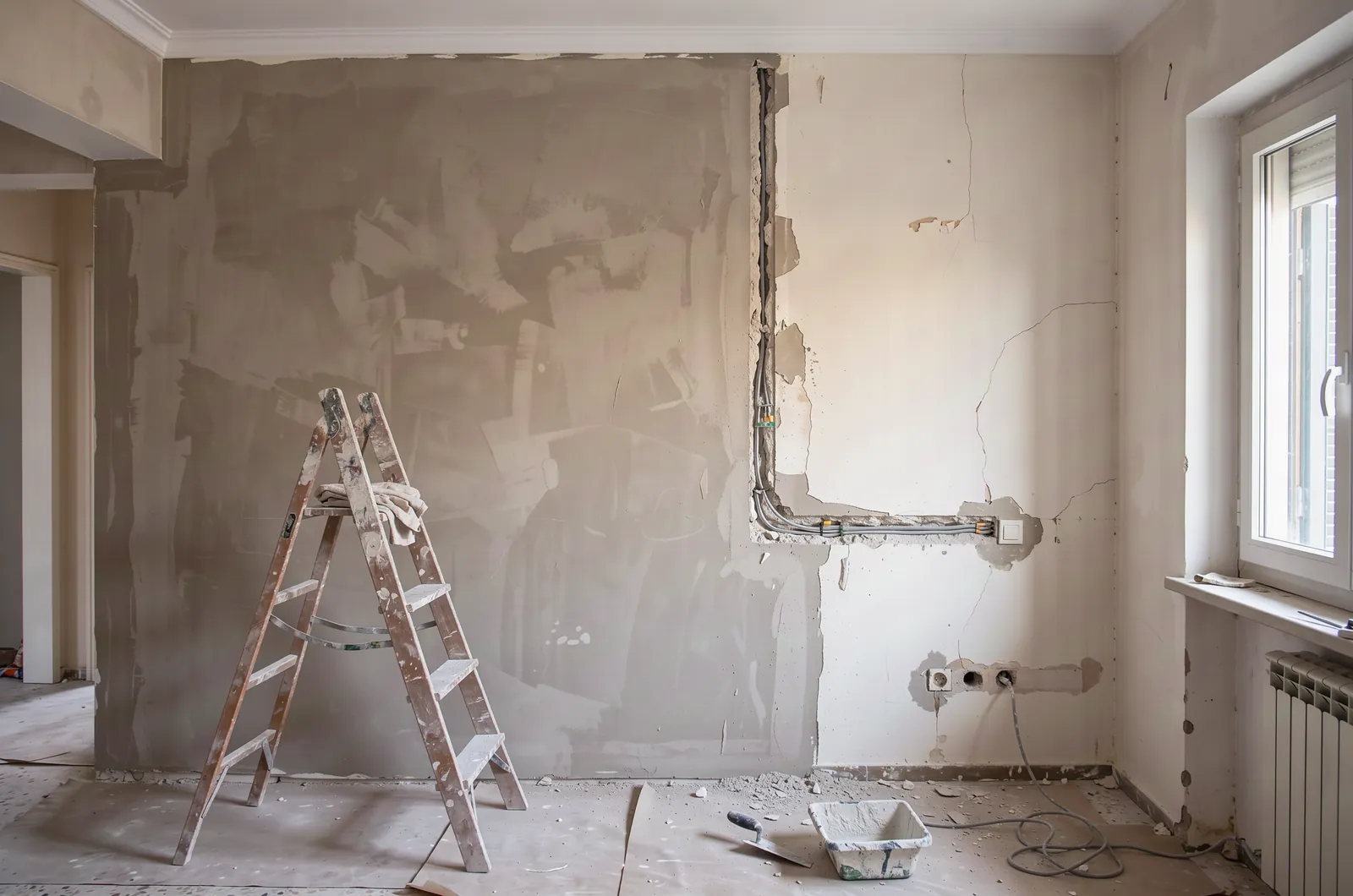
Such systems are designed from the start and programmed with dedicated software. That is why they usually suit a new build or a full renovation, when the wiring is already open.
At a glance
| Wireless (Wi-Fi, Zigbee, Thread) | Wired | |
|---|---|---|
| How it communicates | Radio | Communication cable |
| Changes later | Easy, you add and move devices | Needs work on the cabling |
| Dependence on signal | Yes, walls and interference matter | No |
| Upkeep | Battery changes in devices that use them | Minimal |
| Without internet | Depends on the device and standard | Core functions run locally |
| Large projects | Needs careful network planning as devices multiply | Designed to scale |
| Best fit | Any home, and when you want flexibility | New build, renovation or a large space |
When wireless fits
- You want to start with one room or one need and grow whenever you like.
- You will change the layout or move, and want your devices to come with you.
- You have specific problems in mind, such as air conditioning left on or a leak you would not spot in time.
- You run a short-term rental and need a quick fix for check-in and air conditioning.
There are two limits. First, the signal: reinforced concrete, stone walls and interference can weaken it, which is why a well-planned network matters. Second, ceiling lights with smart bulbs: the wall switch has to stay on all the time, because if someone switches it off the bulb can no longer be controlled from the phone. That is where a relay behind the switch is more practical.
When wired is worth it
- You are renovating or building. The wiring is already open, so it is the right moment to plan properly.
- You want to control every light and shutter from the switches, your phone and your voice, without thinking about bulbs and plugs.
- You want core functions to run locally, regardless of the internet and the signal.
- It is a large residence, a hotel or a commercial space.
The limit of wired is flexibility. If you later want to change the layout, the cost of the change lands on the cabling, which is why the design at the start matters so much.
A combination is usually the best answer
You do not have to choose one or the other. A common setup is a wired backbone for lights and shutters, wireless sensors in the kitchen and bathroom, and infrared control for the air conditioning. Everything shows up in the same app, or in Google Home, Alexa or Apple Home if the devices support it.
This lets you start small and add over time. To keep that smooth, choose devices that work together from the start. Either from the same product family, or with support for the Matter standard.
Three questions before you decide
- Will I live here for years? If not, favour solutions you can take with you.
- What bothers me most today? Start there, not with a list of everything a smart home could do.
- What happens if the internet goes down? Make sure the essentials, such as lights and the front door, keep working without it.
Would you like to work out together which combination suits your home? Request a site survey and we will suggest options tailored to you.
Updated: